
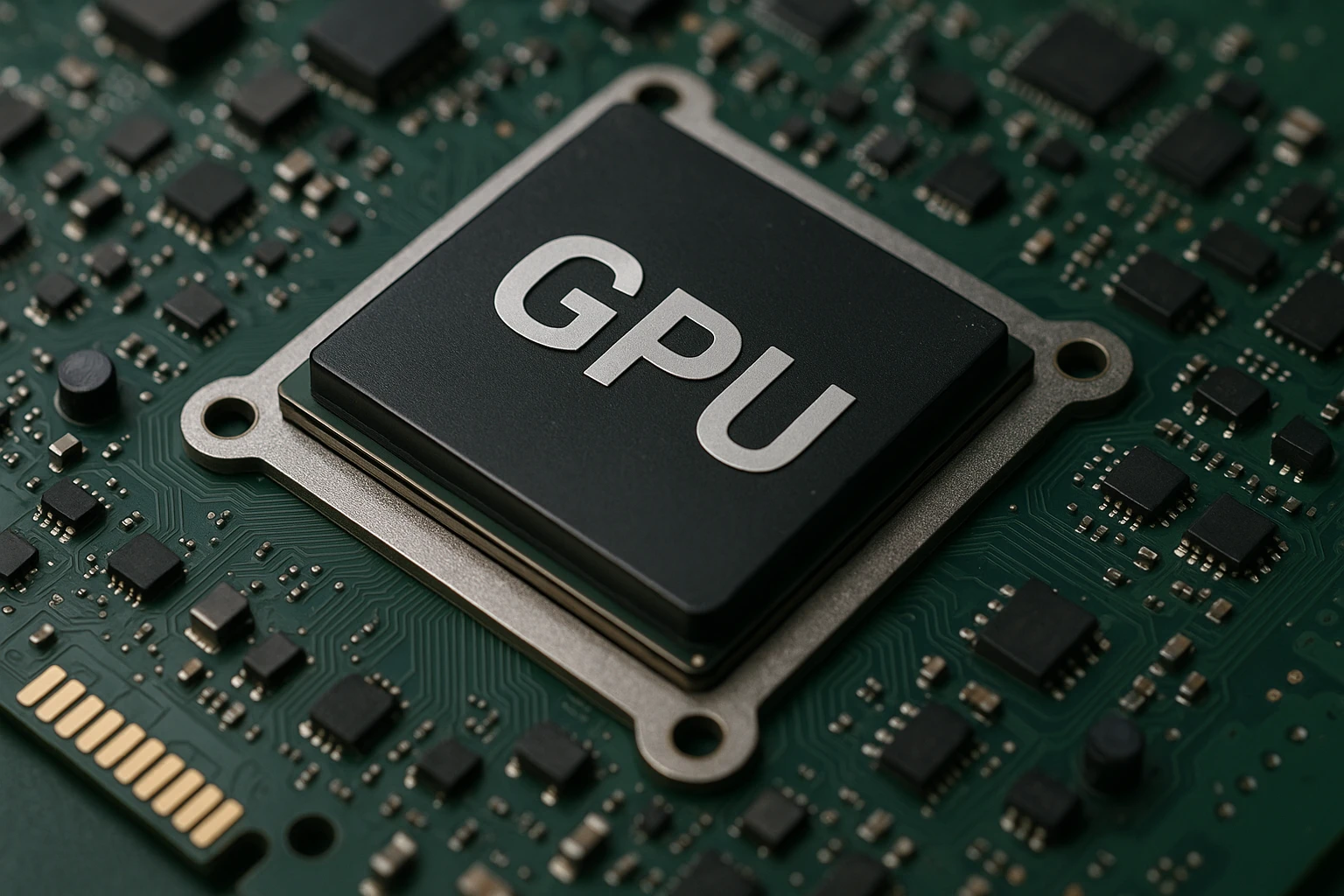
A GPU server is a computing system built around graphics processing units and designed to handle large parallel workloads. Unlike a traditional CPU-based server, it is optimized for executing thousands of operations simultaneously, making it essential for tasks that require intensive mathematical calculations. GPU servers are used for machine learning, large-scale data processing, 3D rendering, scientific simulations and real-time analytics.
The growing demand for accelerated computing has pushed GPU servers far beyond their original purpose in graphics and gaming. Today they form the core infrastructure of cloud platforms, data centers and research environments where speed, efficiency and scalability are critical. By distributing workloads across hundreds or thousands of cores, GPU servers significantly reduce the time required to process complex computational tasks compared to CPU-only architectures. This is also why server hosting with GPU has become a popular option for companies that need fast and scalable compute resources.
GPU servers can run in on-premise infrastructure or in the cloud, giving companies flexibility in scaling and managing resources. Whether the task is training neural networks, rendering animation or running complex computational models, a GPU server provides the level of performance that traditional systems cannot reach.
How a GPU server works
A GPU server operates by distributing workloads across a large number of parallel GPU cores. Its architecture is designed to execute thousands of identical operations at the same time, which fundamentally distinguishes GPUs from CPUs, where each core is optimized for sequential processing.
The workflow of a GPU server typically begins with dividing tasks between the CPU and the GPU. The central processor prepares the data, manages threads and handles the logical part of the application. The GPU then receives pre-processed data blocks and performs calculations by breaking them into many smaller operations. This approach is especially effective for machine learning, rendering and simulations, where computational patterns repeat hundreds of thousands of times.
The software stack plays an important role. Libraries and frameworks such as CUDA, ROCm, TensorFlow and PyTorch allow developers to use GPU resources efficiently. They optimize data transfer, distribute workloads across multiple graphics processors and help scale projects without rewriting large portions of code.
Modern GPU servers often include several graphics cards connected through high-speed interfaces. This makes it possible to build configurations with extremely high compute density and process tasks that cannot be executed on a single device. As a result, GPU servers provide predictable performance and stability under peak loads.
Key components of a GPU server
A GPU server consists of several components that provide high performance, stability and the ability to handle parallel workloads. Each element plays its own role, and the balance between them determines how effectively the server handles specific tasks.
Graphics processing units (GPU)
GPUs are the core of the system. They perform most of the computational work — matrix operations, rendering, modeling or training neural networks. A server may include a single GPU or multiple units connected within a shared infrastructure using high-speed interfaces.
Central processing unit (CPU)
The CPU manages the server’s logic, distributes tasks, prepares data and coordinates interactions between all components. It does not handle heavy parallel computations, but it ensures stable operation and efficiency across the entire stack.
System memory (RAM)
For a GPU server, both memory capacity and bandwidth are important. Large models, video streams and scientific datasets require significant resources, so servers are equipped with substantial RAM to ensure fast data exchange between the CPU, GPU and storage.
Graphics memory (VRAM)
Each GPU has its own high-speed memory that acts as a workspace for computational tasks. The amount of VRAM directly affects the size of neural networks or render scenes that the server can process.
Storage subsystem
High-performance SSDs are used for demanding workloads, providing fast data access and minimal latency. NVMe drives are common in machine learning and analytics projects due to their speed.
Interfaces and connectivity
High-performance interfaces such as PCIe, NVLink and InfiniBand connect GPUs and ensure fast communication with the rest of the infrastructure. This is essential for distributed workloads.
Cooling system and power supply
GPUs generate significant heat, so servers require powerful cooling solutions. A reliable power supply is also necessary to support multiple graphics cards operating simultaneously.
GPU vs CPU: what’s the difference
GPUs and CPUs play different roles in computing systems, and understanding these differences helps choose the right architecture for specific workloads. A central processing unit is designed for sequential instruction execution. It handles logical operations, thread management, operating system processes and applications that require flexibility and precise command execution. A CPU has fewer cores, but each core delivers high performance and is optimized for general-purpose tasks.
A GPU, on the other hand, is built around massive parallelism. It contains hundreds or thousands of cores capable of executing identical or similar operations simultaneously. This structure is especially effective for large data arrays, matrix computations and repetitive computational patterns. As a result, GPUs dramatically accelerate rendering, neural network training, physical simulations and other tasks that require high computational density.
The difference also extends to memory architecture. CPUs use a multi-level cache hierarchy to optimize data access, while GPUs rely on high-speed graphics memory that provides wide bandwidth for parallel threads. In real-world projects, CPUs and GPUs work together: the CPU distributes tasks and prepares data, while the GPU performs the heavy mathematical operations.
Types of GPU servers (on-premise, cloud, hybrid)
GPU servers can be deployed in different formats, and the choice depends on business requirements, budget and the nature of computational workloads. Each model offers its own level of flexibility and specific advantages.
On-premise GPU servers
These are servers installed within a company’s own infrastructure or data center. This approach provides full control over resources, strong data security and predictable performance. It is suitable for organizations that need stable operation, constant access to compute power and minimal latency when processing data. The drawbacks include high capital expenses and the need to maintain the equipment.
Cloud GPU servers
Cloud platforms provide access to GPU resources on demand. Companies can quickly scale computing workloads, run temporary projects and avoid the upfront costs associated with hardware. This option is especially useful for machine learning, model testing, rendering and scientific experiments. Limitations may include network constraints, data transfer latency and dependency on provider pricing.
Hybrid GPU servers
A hybrid approach combines on-premise infrastructure with cloud capabilities. It allows companies to keep critical data and constant workloads on their own servers while offloading peak demand to the cloud. This provides additional flexibility and cost efficiency, particularly when computational workloads fluctuate.
Typical use cases
GPU servers are used in fields where high computational power and the ability to process large datasets are essential.
Machine learning and deep neural networks
Training models involves huge matrices and repetitive operations, which makes GPUs an ideal fit. This reduces training time from weeks to hours or days. GPU servers are commonly used for computer vision, natural language processing and recommendation systems.
3D rendering and visualization
Graphics, animation and visual effects require processing massive amounts of frames and textures. GPU servers allow studios to render final scenes faster, run complex simulations and work with high resolutions.
Scientific computing and simulation
Physics, chemistry, bioinformatics and climate modeling rely on numerical research and simulations. GPUs accelerate mathematical computations, helping researchers obtain results more quickly.
Big data analytics
In projects that involve processing large volumes of information, a GPU server significantly increases calculation speed. Its parallel architecture is well suited for handling complex analytical queries.
Financial modeling
High-frequency trading, risk modeling and portfolio analysis require both speed and precision. GPU servers reduce computation times and make it possible to work with large datasets in real time.
Engineering simulations
Mechanical, aerodynamic and material-strength simulations use complex computational methods that scale efficiently on GPUs. These servers help engineers test designs faster and predict outcomes more accurately.
Advantages of using GPU servers
GPU servers enable companies to handle complex tasks faster and more efficiently than traditional CPU-based systems. Their benefits are reflected in performance, flexibility and the ability to support resource-intensive workloads.
High computational speed
GPUs process thousands of operations in parallel, significantly accelerating rendering, model training and data analysis. For tasks that rely on large matrix computations, this results in dramatic reductions in execution time.
Efficiency when working with big data
As data volumes grow, traditional servers begin to limit developers. GPU servers offer high bandwidth and allow large datasets to be processed without significant delays.
Scalability
GPU servers are easy to expand — you can add more graphics cards or use distributed clusters to handle extreme workloads. In cloud configurations, scaling takes minutes, providing flexibility during peak demands.
Reduced development time
Thanks to their high performance, GPU servers speed up iterations in machine learning projects, simulations and engineering tasks. Teams can experiment faster, test hypotheses and deliver updates more quickly.
Support for modern frameworks
Most data analytics and AI tools are optimized for GPUs, allowing teams to use advanced methods without extensive manual optimization.
Cost efficiency for heavy workloads
Although GPU servers are more expensive than traditional systems, they pay off by dramatically accelerating processes. The faster computations are completed, the faster decisions can be made and results achieved.
How to choose a GPU server
Choosing a GPU server depends on workload characteristics, data volume and scaling requirements. A well-matched configuration helps reduce costs, improve performance and ensure stable application operation.
Identify the type of workloads
Deep learning requires powerful GPUs with large amounts of VRAM, while rendering tasks may only need several mid-range graphics processors. Scientific computing and analytics demand high memory bandwidth and the ability to process tasks in parallel.
Consider data volume and model size
Large language models, complex neural networks and detailed 3D scenes require significant GPU memory. If VRAM is insufficient, computations slow down or become impossible. This is why it is important to choose configurations with enough memory overhead.
Evaluate the number of GPUs in the system
A single server can include multiple graphics cards connected via high-speed interfaces. This architecture allows large models to be processed and accelerates distributed workloads. For large-scale projects, it may be worth considering building a cluster.
Check interface bandwidth
PCIe, NVLink and InfiniBand directly affect data-transfer speed between components. The higher the bandwidth, the better the server handles parallel tasks and multi-GPU workloads.
Assess memory and storage requirements
RAM is essential for fast data preparation, while SSD or NVMe drives provide accelerated loading of large datasets. For projects involving model training or media processing, high-speed storage is the best option.
Determine the deployment format
On-premise infrastructure provides control and low latency, cloud resources offer flexibility and no capital expenses, and hybrid environments combine the advantages of both. The choice depends on budget, data-security needs and how often peak loads occur.
Consider power and cooling
GPU servers consume a lot of power and generate substantial heat. It is important to ensure that the infrastructure supports the required conditions for stable operation.
Why GPU servers matter today
Choosing the right GPU server depends on workload type, data size and scaling requirements. On-premise, cloud and hybrid GPU solutions offer companies flexibility in managing resources and help them adapt to changing conditions. Properly selected components — from GPUs and VRAM to interfaces and storage — create a system that ensures stable performance and long-term efficiency.
GPU servers continue to play a growing role in AI, engineering calculations, modeling and other technology-driven fields where data-processing speed becomes a competitive advantage. For organizations aiming to drive innovation and optimize workflows, these servers form the foundation for solving the most complex computational tasks.